Operations System - Send Payment Link with Expiration
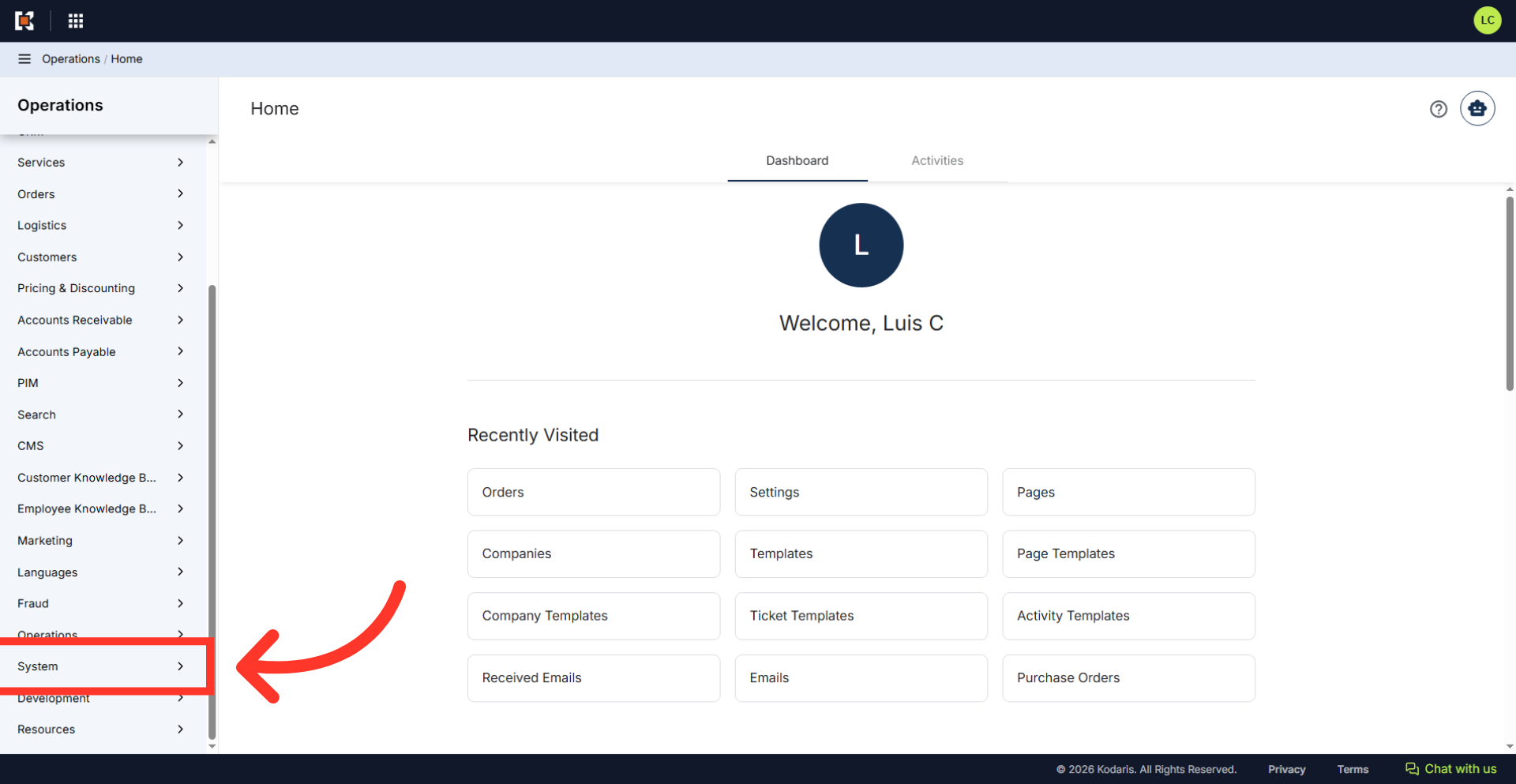
Navigate to "System"
Payment link expiration allows you to automatically expire COD (Cash on Delivery) payment links after a configurable number of hours. To send a payment request that has a set expiration, we will need to configure the link's expiration time. Navigate to "System" section in the Operations Portal.
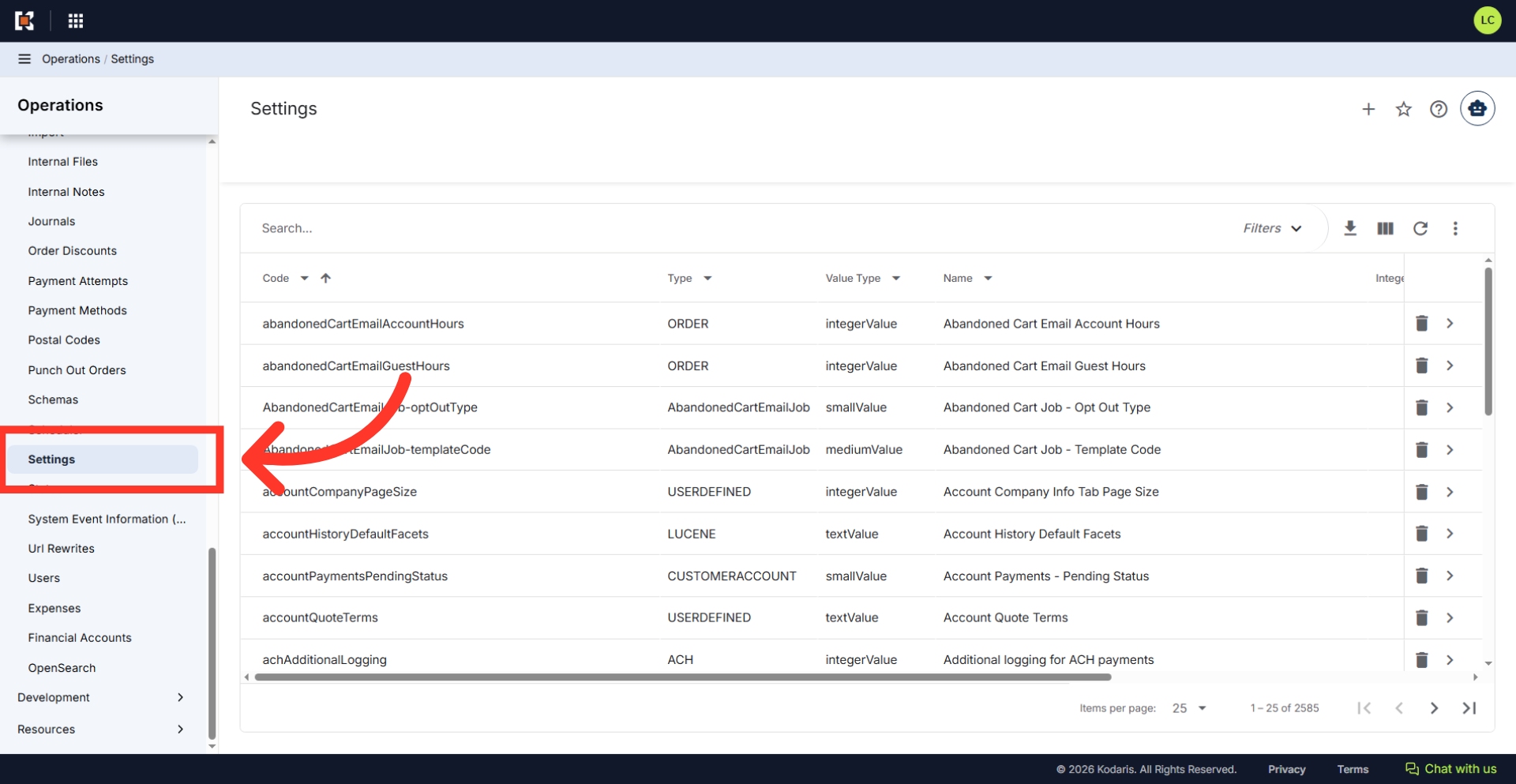
Click "Settings"
Click "Settings". In order to access and update "Settings" the account will need to be set up either as an "administrator" or a "superuser", or have the role of: "settingEdit."
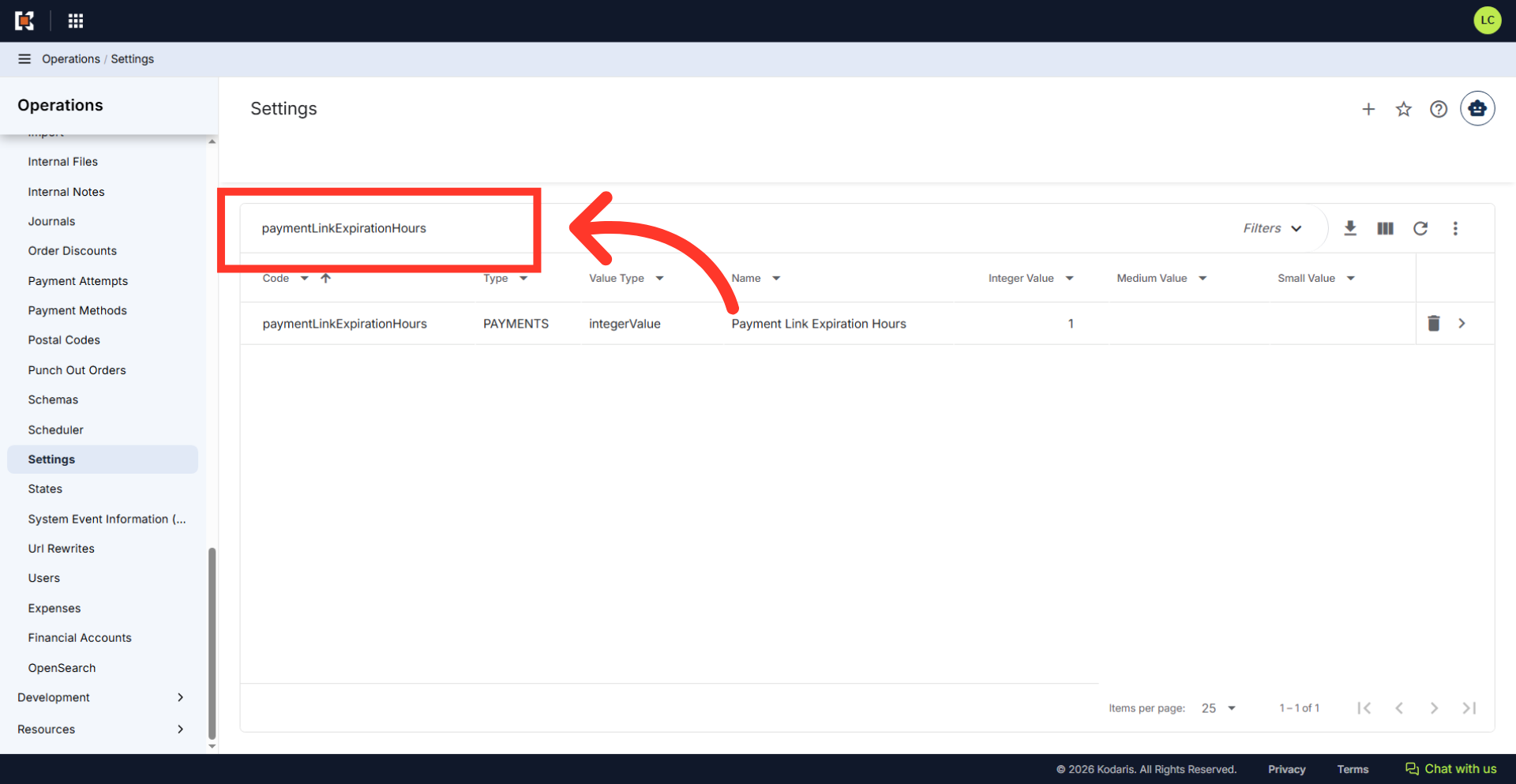
Search for "paymentLinkExpirationHours" setting
Type in "paymentLinkExpirationHours" in the search bar to find the specific setting.
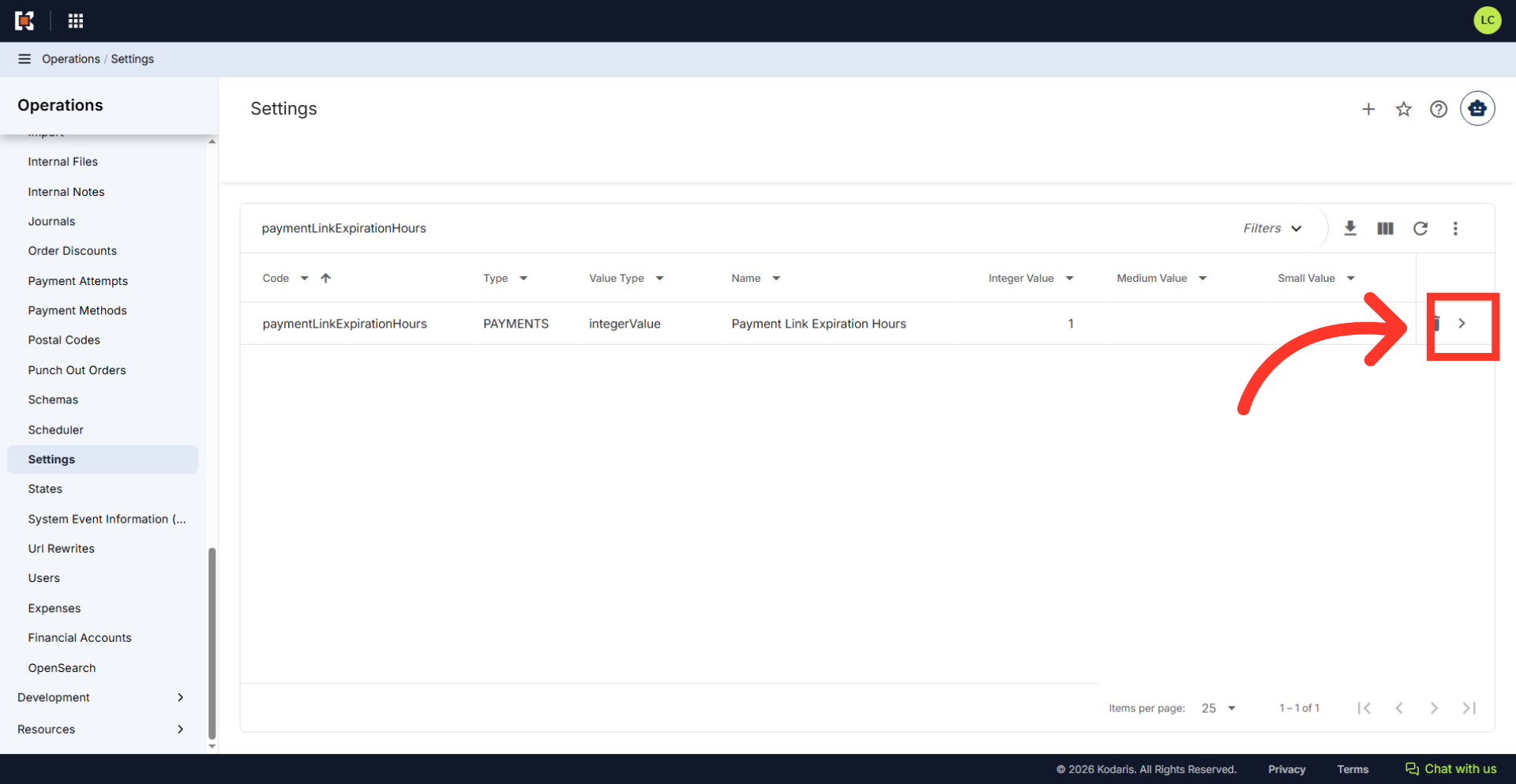
Click on the more details icon
Click on the more details icon.
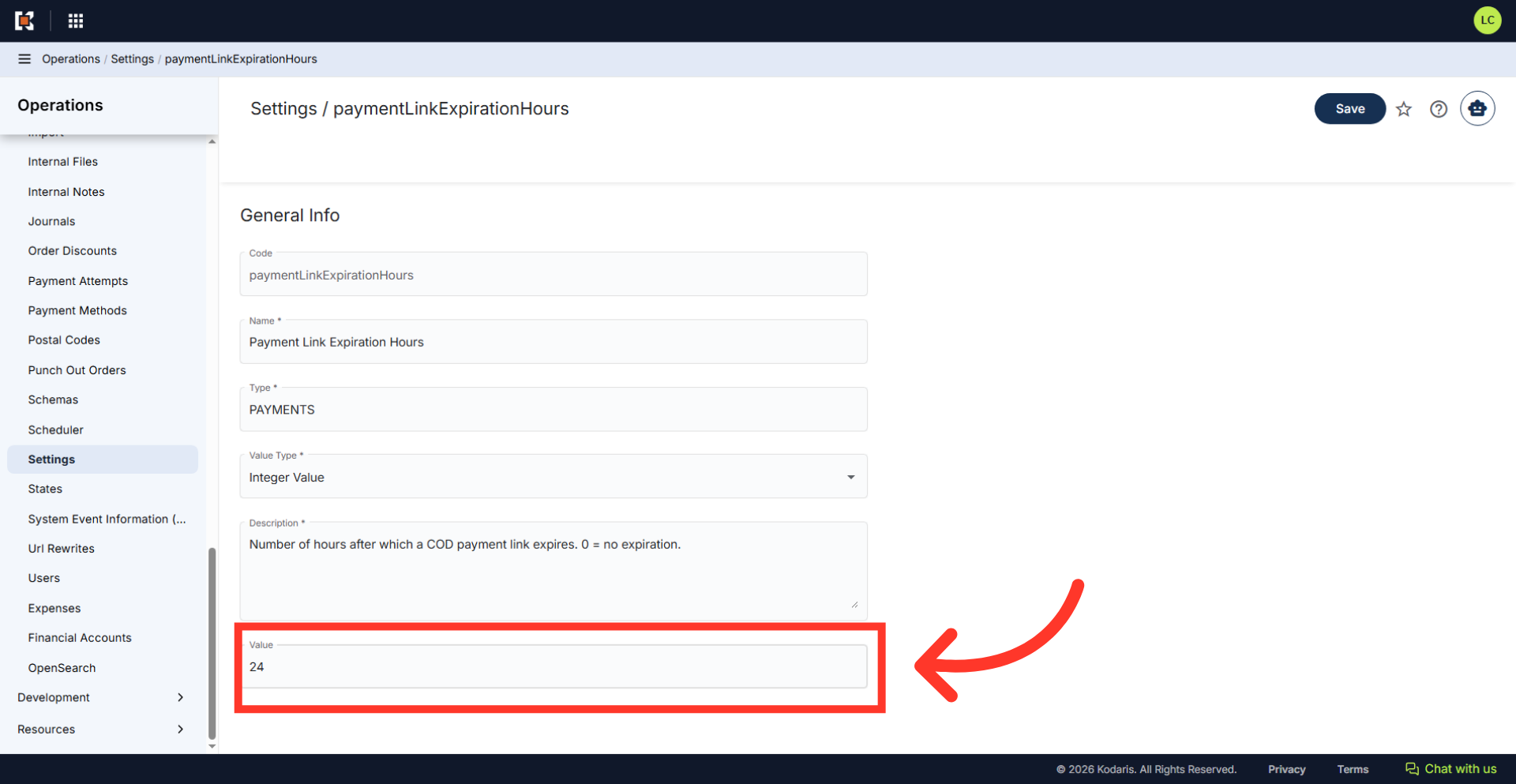
Set the desired expiration time in hours
Scroll to the "Value" field and set your desired expiration time in hours. By default, the value is set to "0", which means the link never expires. Enter "24" if you would like the link to expire in one day. If you would like to add additional time, update the value to include the additional hours.
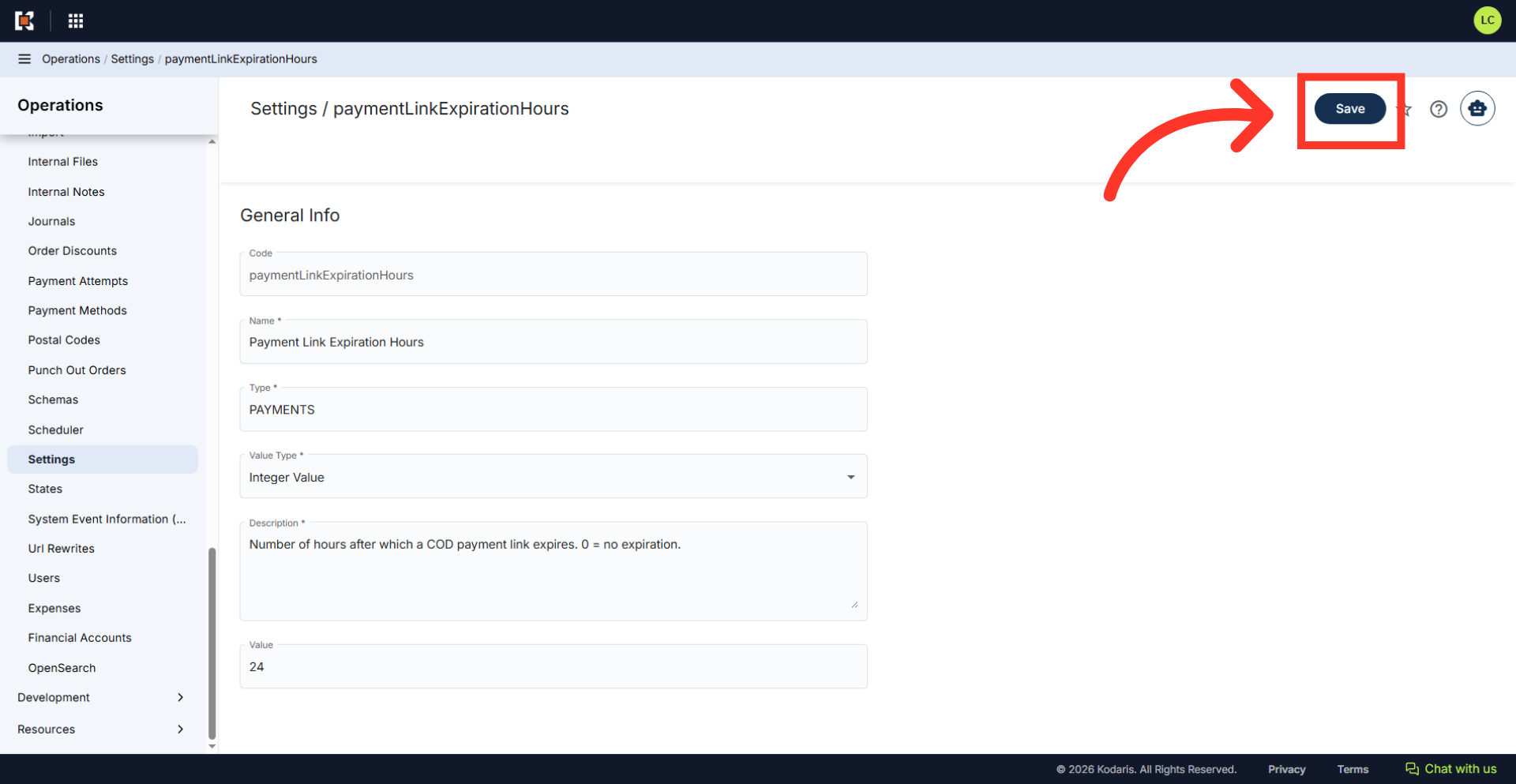
Click the "Save" button
Click "Save" button to apply the new time limit to the system. Once set, any payment links sent from the system will expire at the set time.
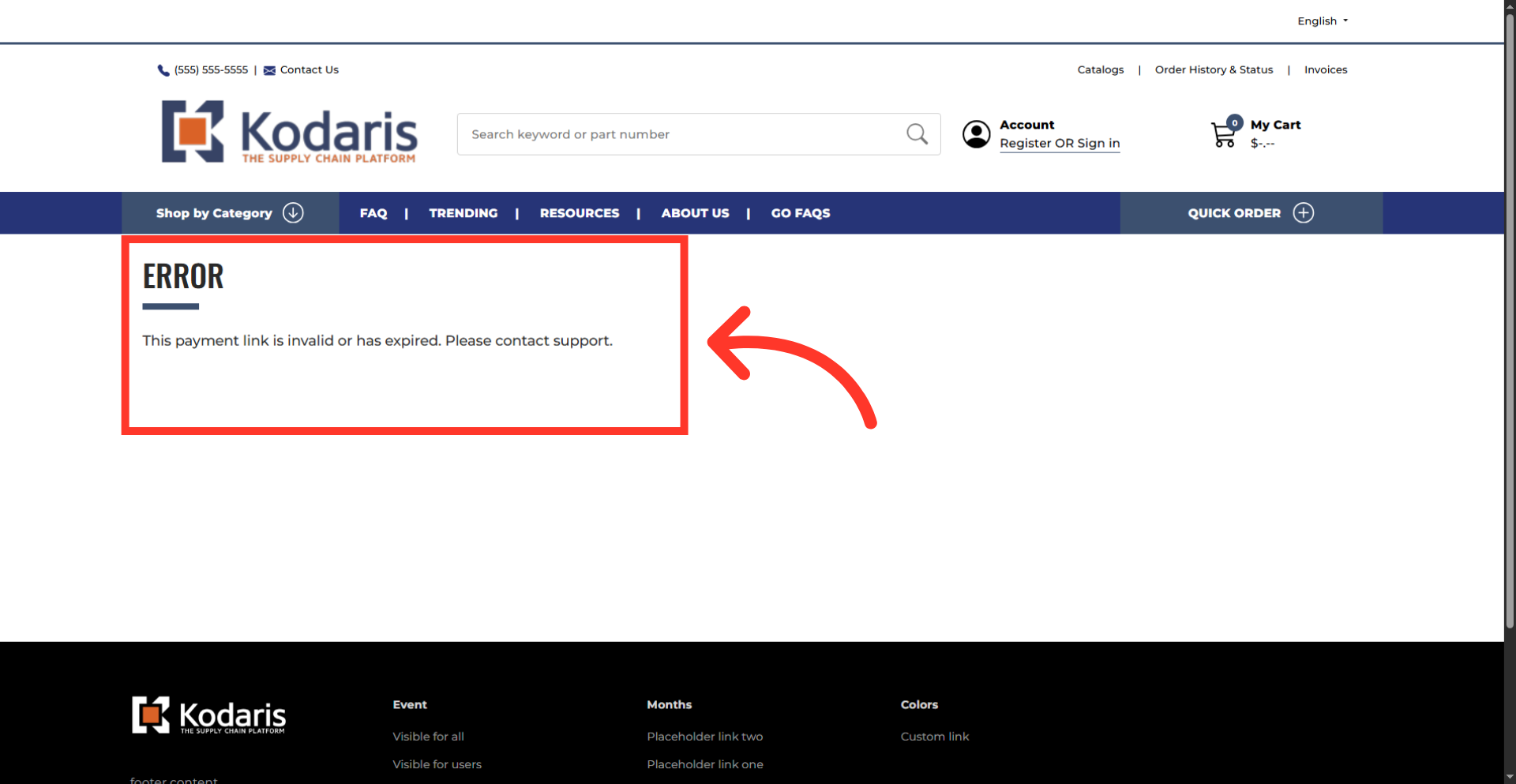
Expired payment link notification
If the link is expired, the page will display an error message "This payment link is invalid or has expired. Please contact support." Employee can resend the email to generate a fresh payment link with a new expiration window.