
Operations Orders - View Returns, Return Reasons, and Return Comments
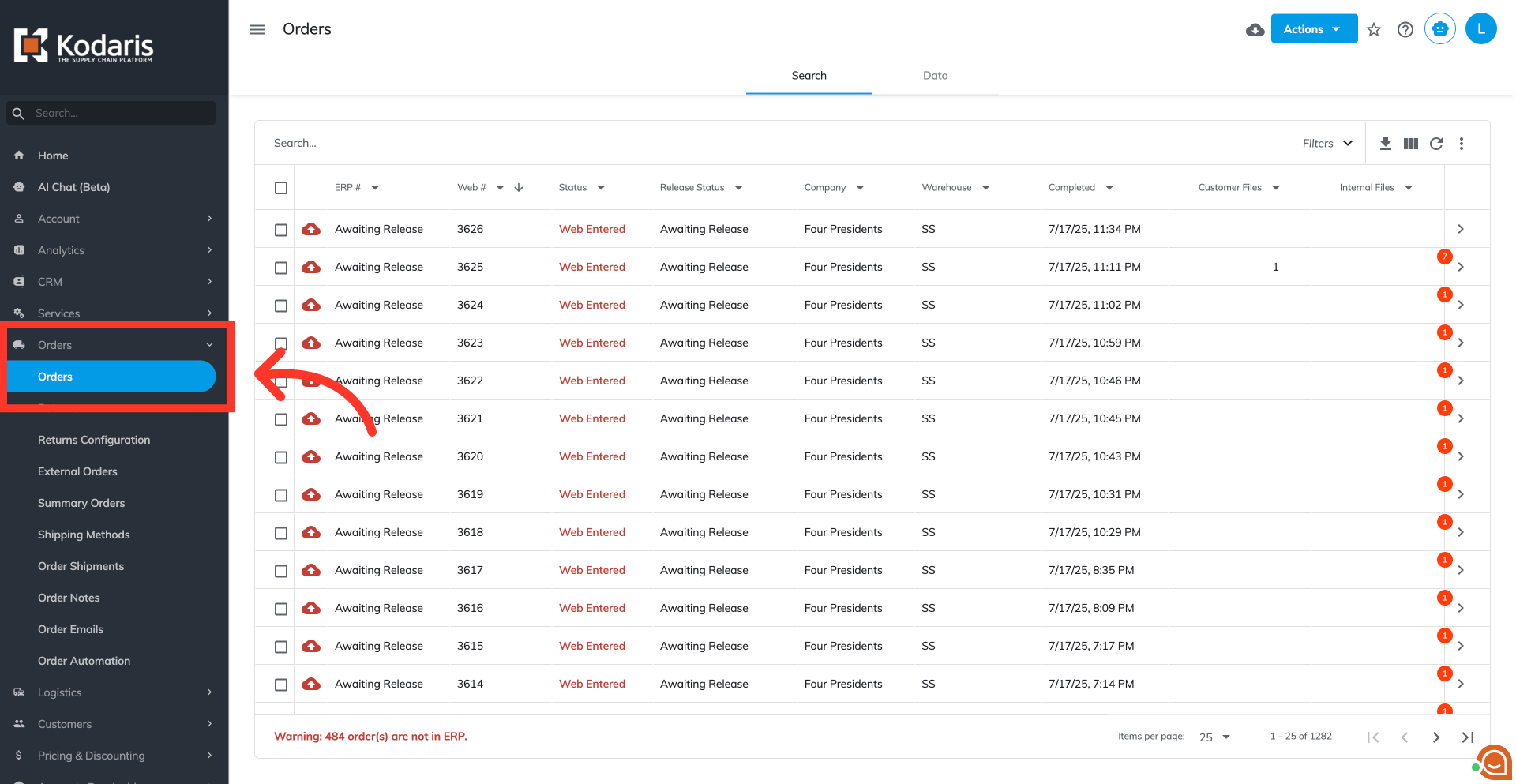
Navigate to "Orders" screen
Once a customer submits a return, you can view and manage their submissions within your operations portal. To begin, navigate to the "Orders" screen within your "Orders" menu. In order to access "Orders" screen you will need to be set up either as an "administrator" or a "superuser", or have the appropriate roles: "dispatch," "orderEdit," "orderView," "crmCompanyOrderView," and "crmCompanyOrderEdit"
Click on the "Show/Hide Columns"
On the "Search" tab of your "Orders" screen, click "Show/Hide Columns."

Display "ERP Order Type" column
Then, ensure the "ERP Order Type" column is visible in your grid.

Display and filter return orders
Open the column filters and filter the "ERP Order Type" column to "Return".

Refine return list by status
Once you filter "Return" orders from the "ERP Order Type" column, you can narrow down the list further using the "Status" filtering options.

Filter by return status and view details
You can also filter by "Return Status".

Locate your desired return order
Use the search bar to find the specific return order you wish to review or process from the filtered list.

Access return details
From the filtered list on the Order screen, click on the specific return you wish to view more details.

Go to "Items" tab
Go to the "Items" tab. This tab lists all products included in that particular return.

Display "Return Comment" and "Return Reason" colums
Open the “Show/Hide Columns” option and Display "Return Comment" and "Return Reason” to display these specific details for each return item. You can also add other columns to your view as needed.

Manage your return items
On this screen you can manage the return items as needed. You can also transmit the fully reviewed returns to your ERP for final processing, inventory adjustments, and financial reconciliation.
