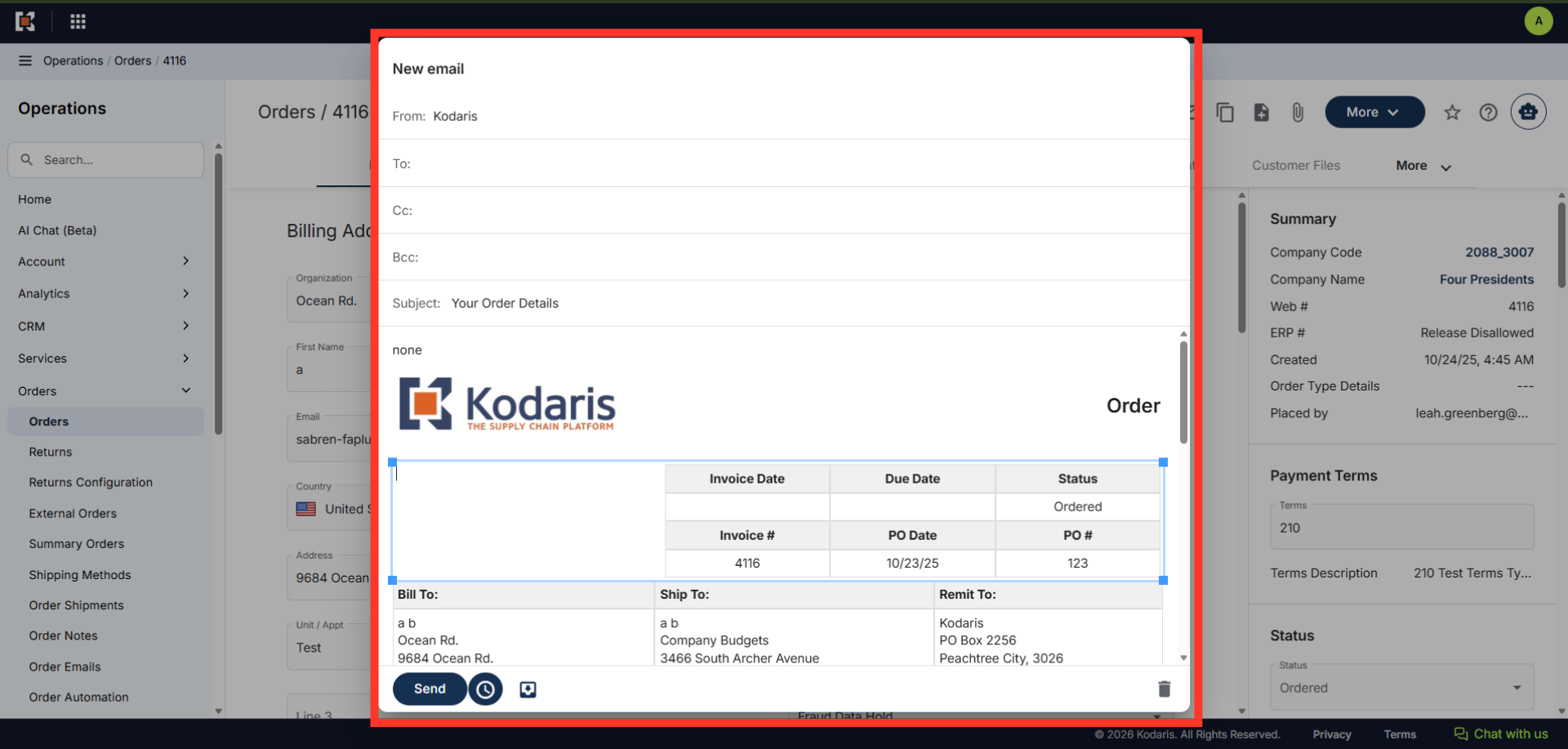
Operations Orders - Preview Order Email Templates
Navigate to "Orders"
To view the template that is used on any emails to your customers, navigate to the "Orders" section in the Operations Portal.
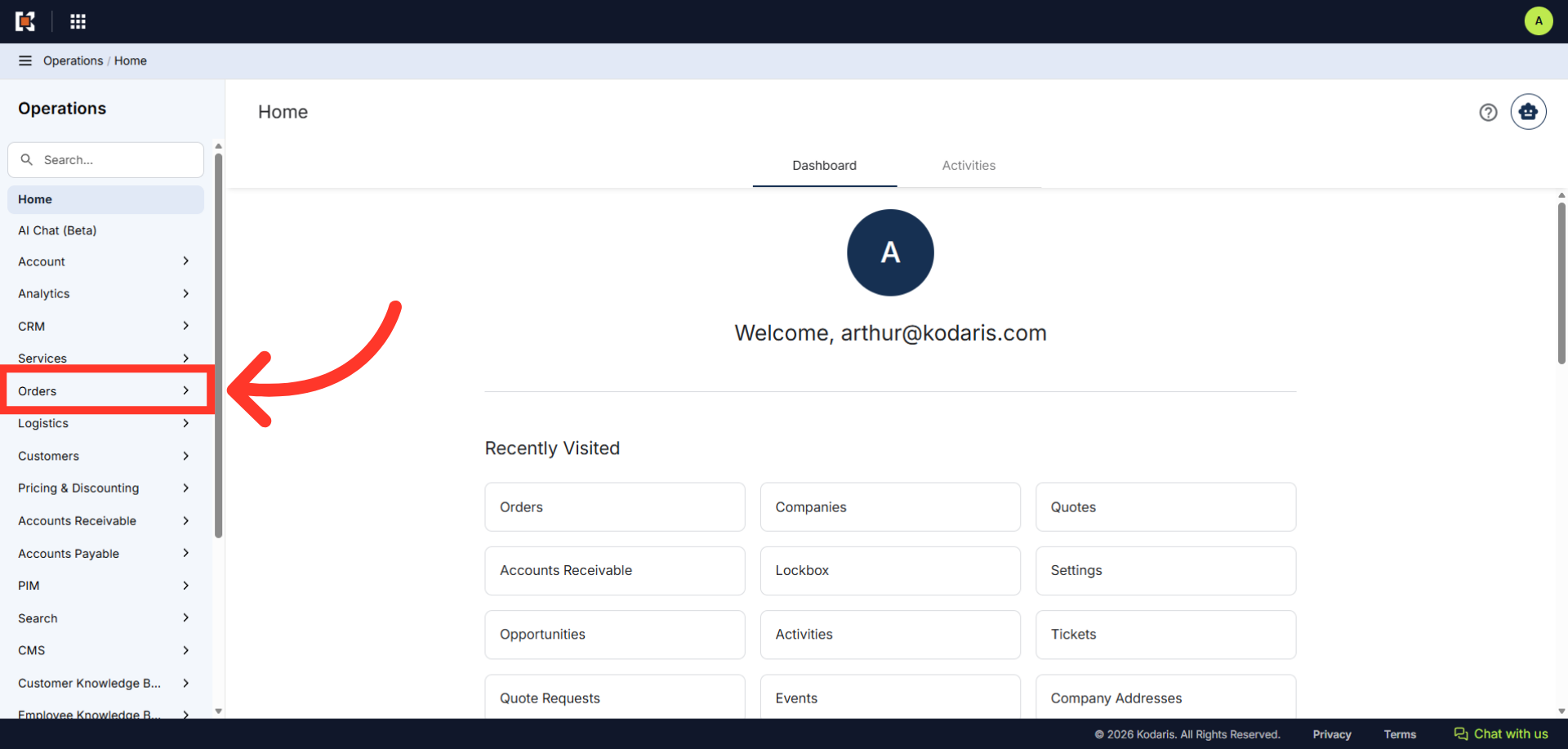
Click "Orders"
Then, click "Orders". In order to access and update "Orders", you will need to be set up either as an "administrator" or a "superuser", or have the following roles: "dispatch", "orderEdit", "crmCompanyOrderView" and "crmCompanyOrderEdit". Just a reminder, "crmCompanyOrderView" and "crmCompanyOrderEdit" access only allows employees to view company orders that are assigned to them.
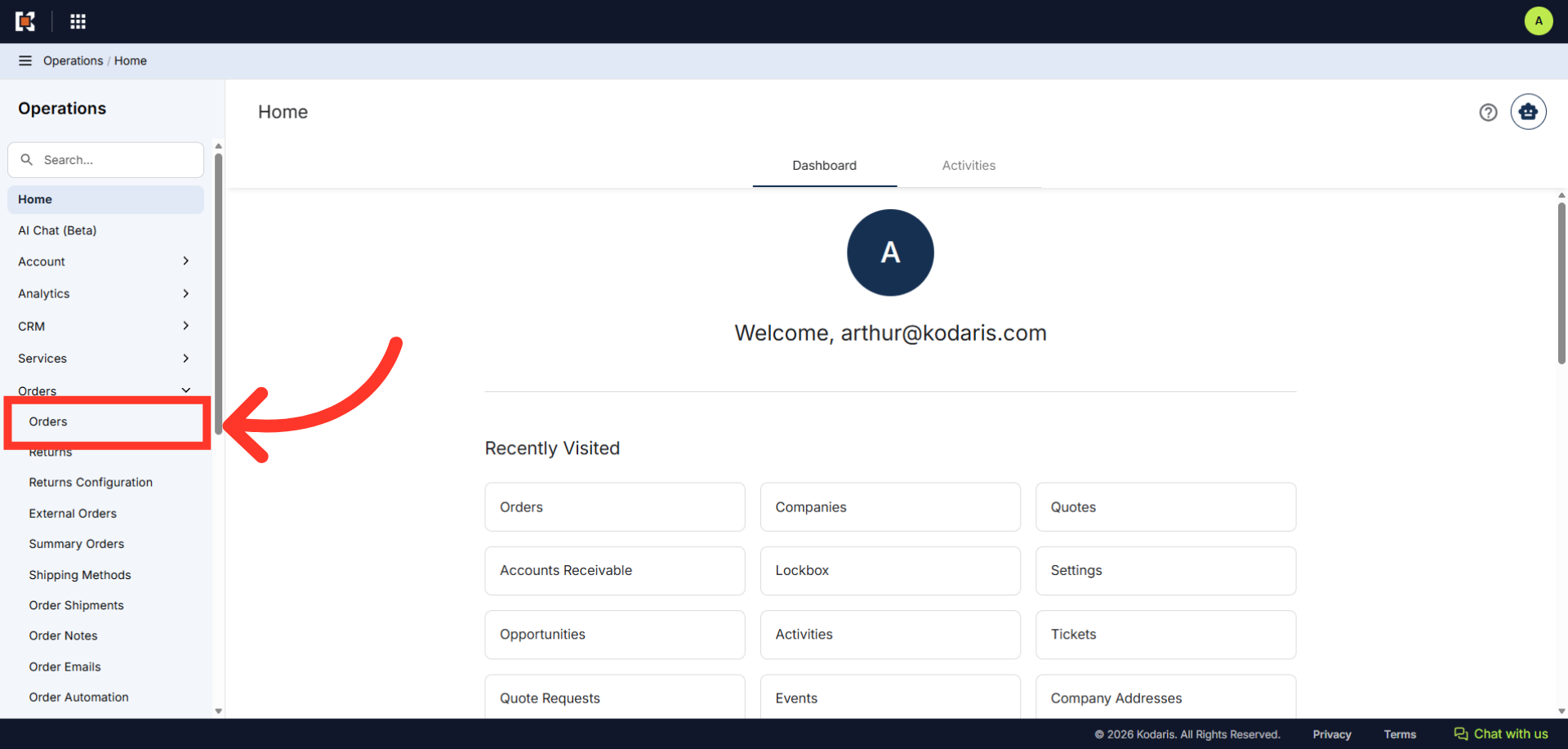
Enter the Order number to search
Enter the order number to search.
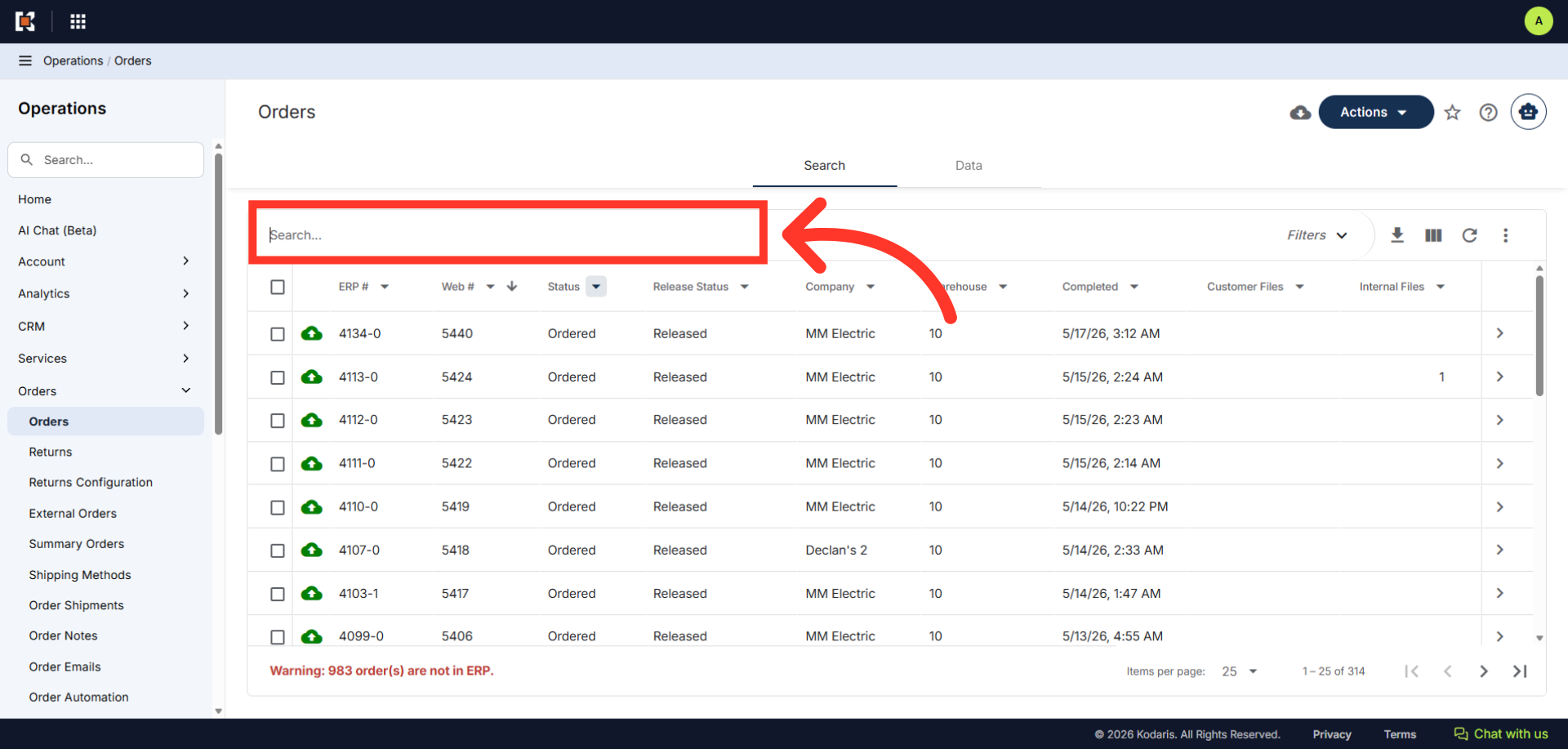
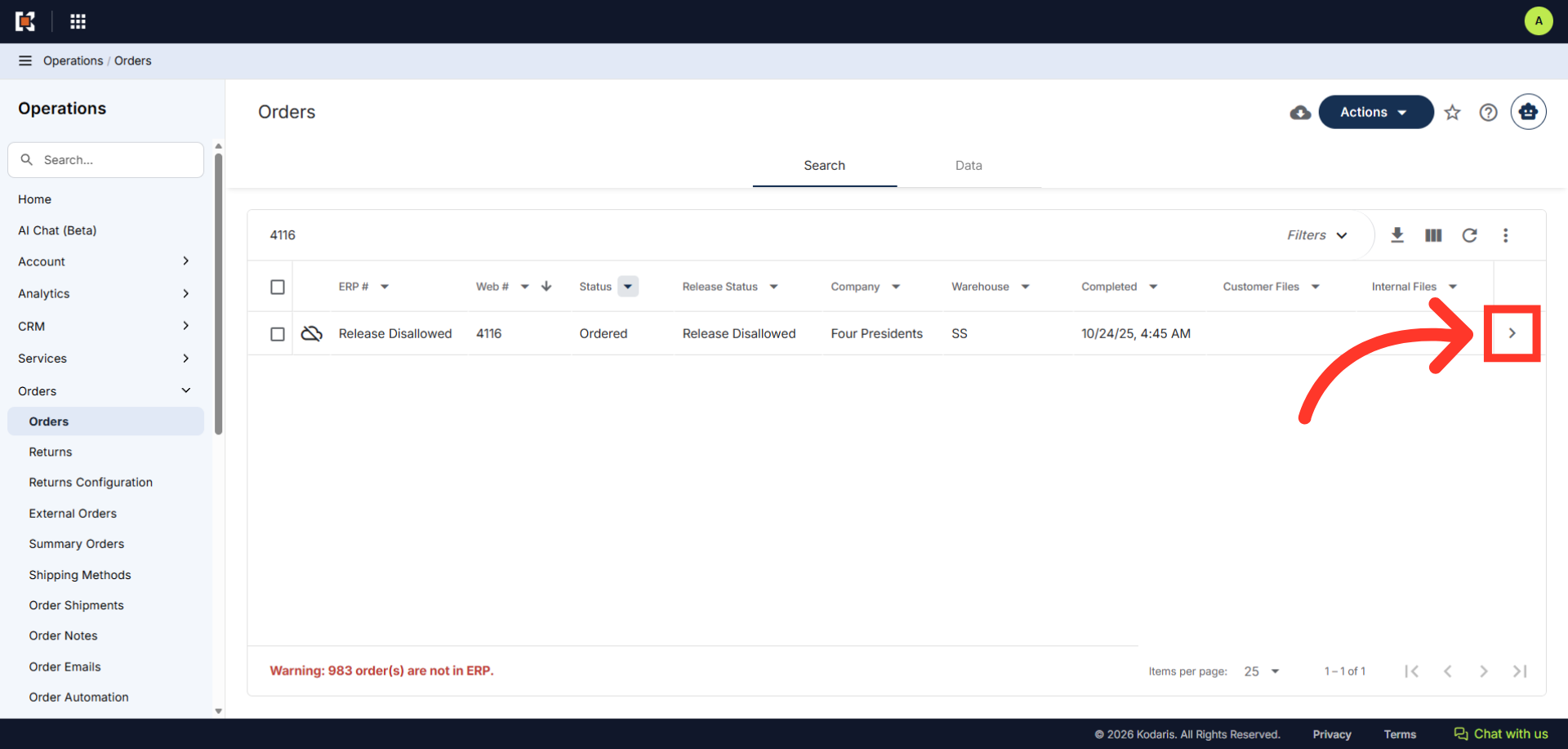
Click on the more details icon
Then, click on the more details icon.
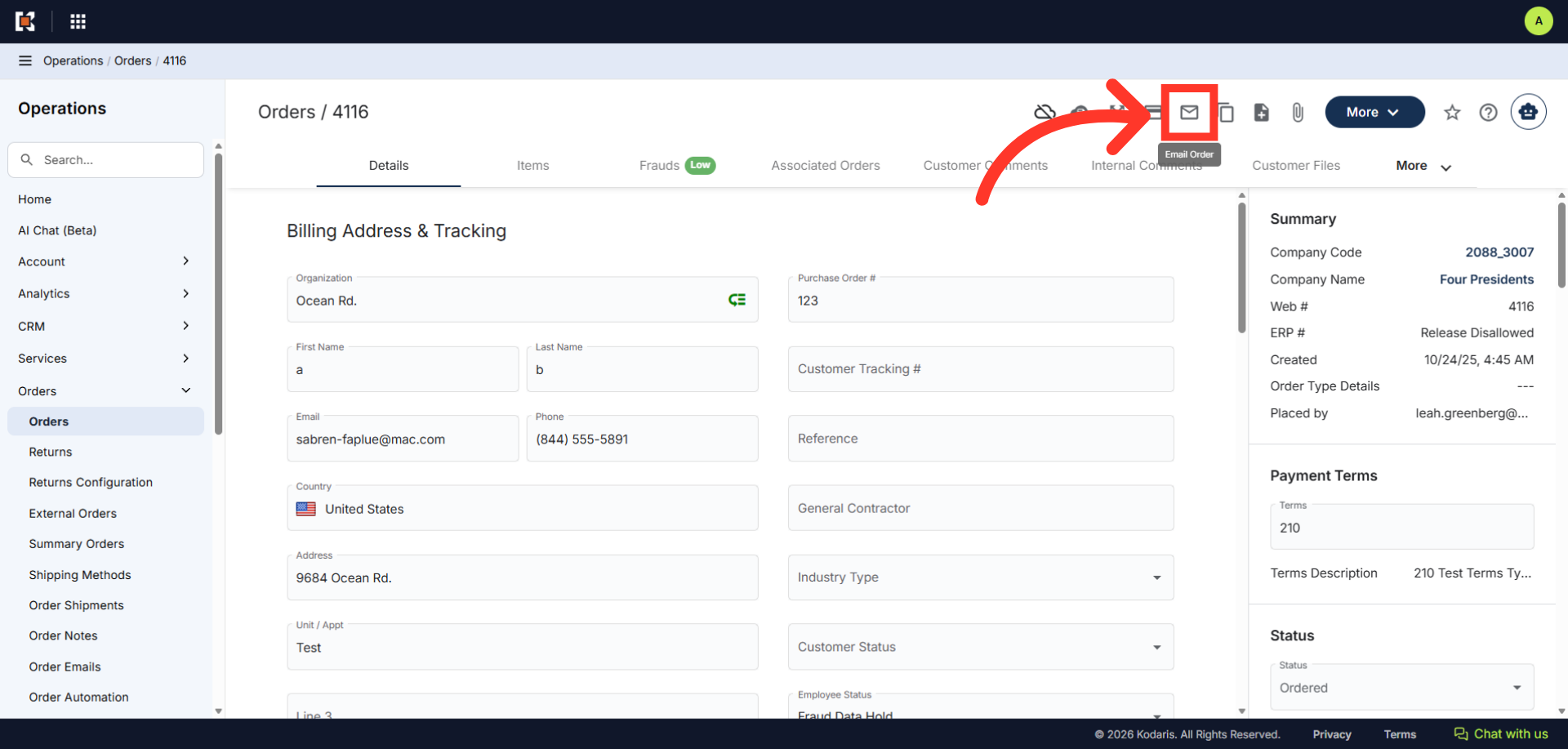
Click "Email Order"
Next, click the "Email Order" icon.
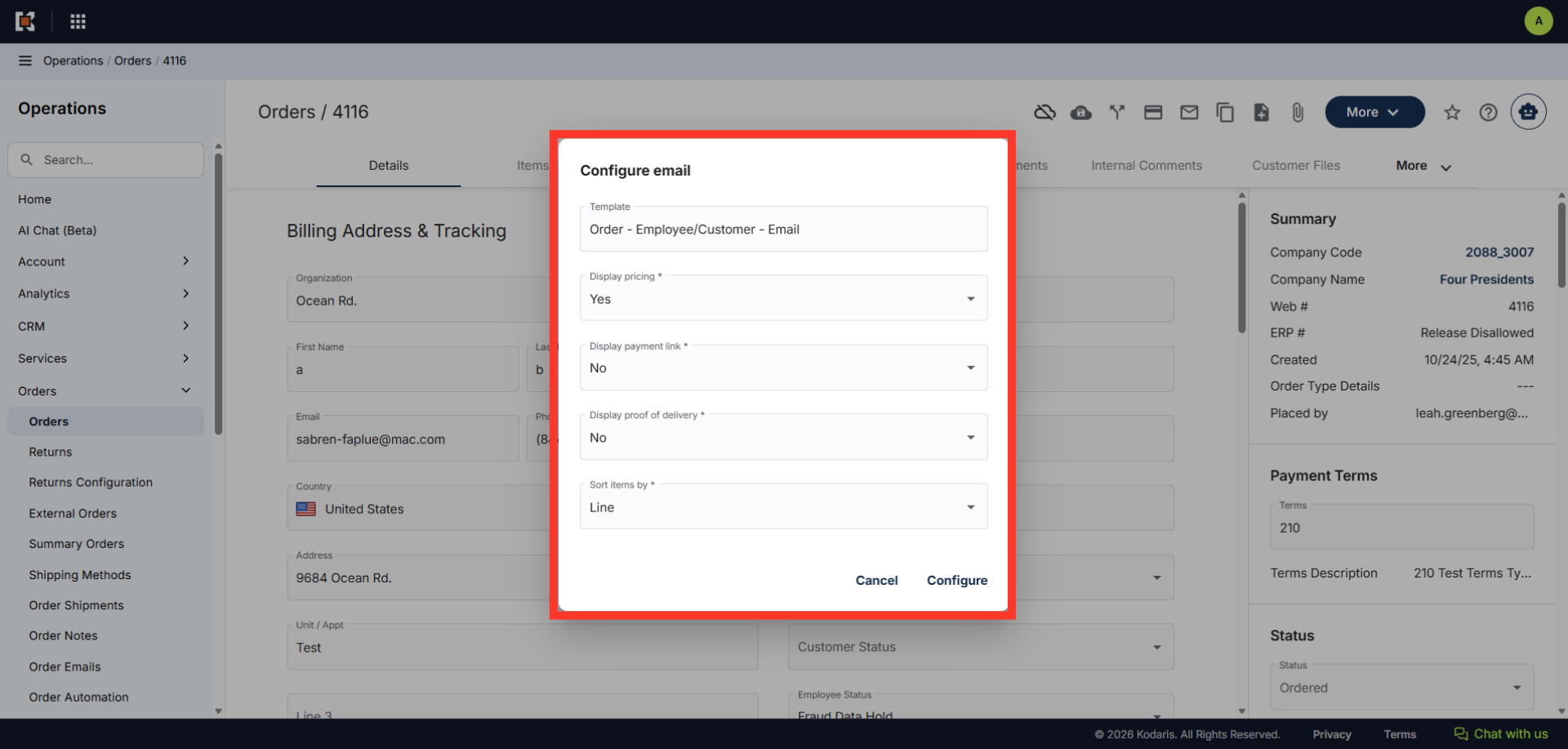
"Configure email" dialog box should appear
The "Configure email" dialog box will appear. It will show the options set as default.
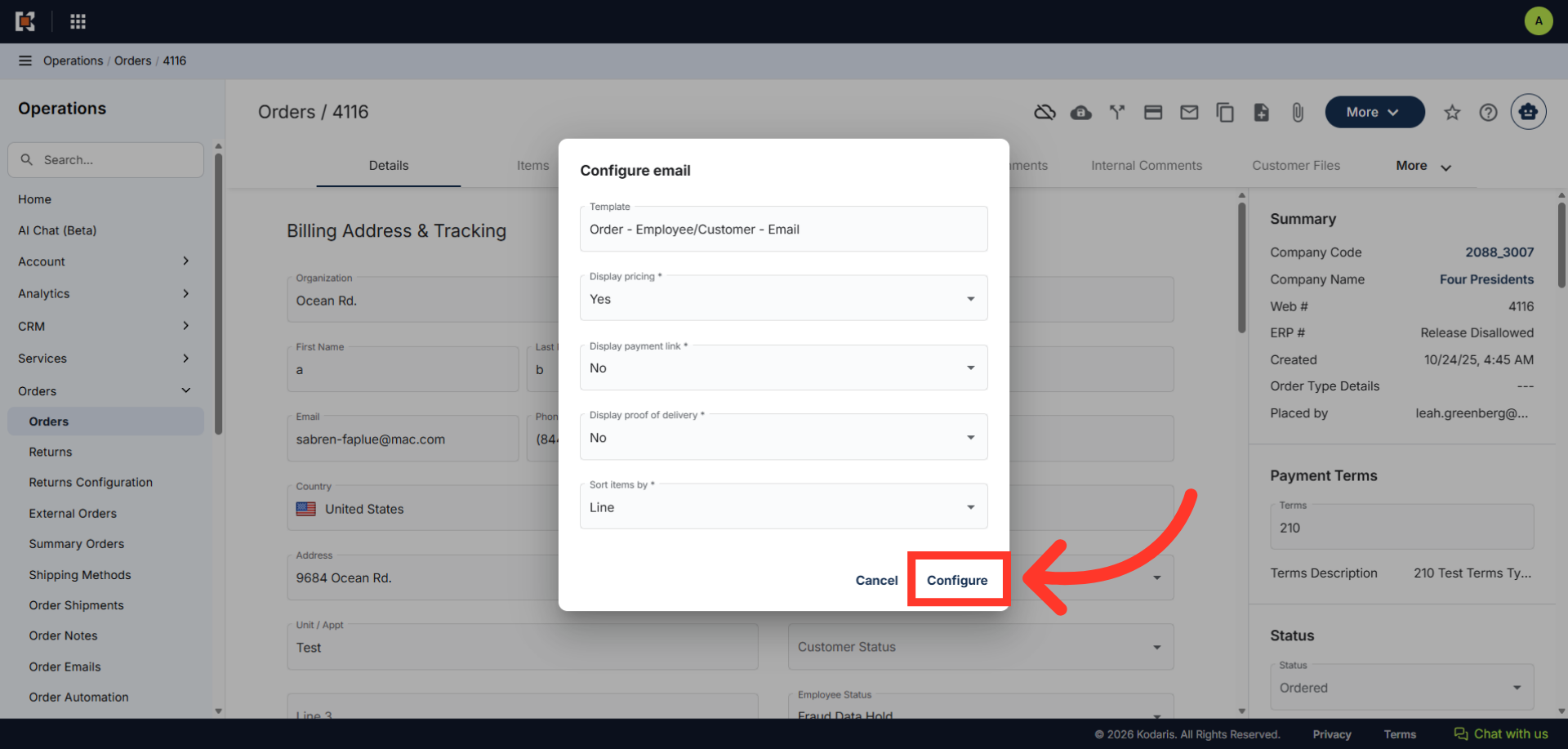
Click "Configure"
Click the "Configure" button.
Preview Order Email Templates
The system will generate a preview of the email and you can either preview the template on this screen, or email the template to view.