
Customer Portal - Preview Order Website Templates
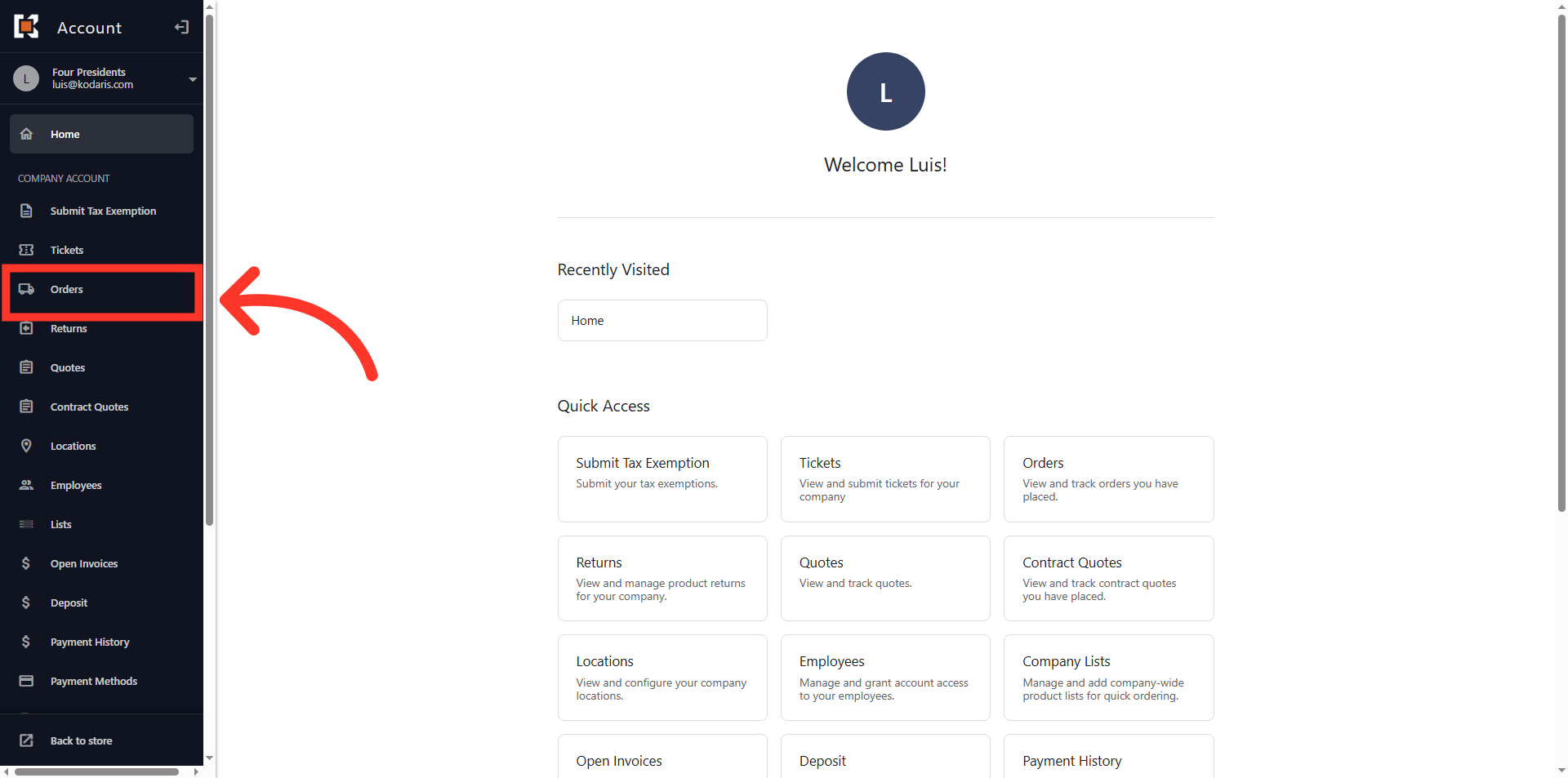
Navigate to "Orders"
Website order templates display to the customer when they view invoices in the customer portal. To view website order templates, navigate to "Orders" section in the Customer Portal.
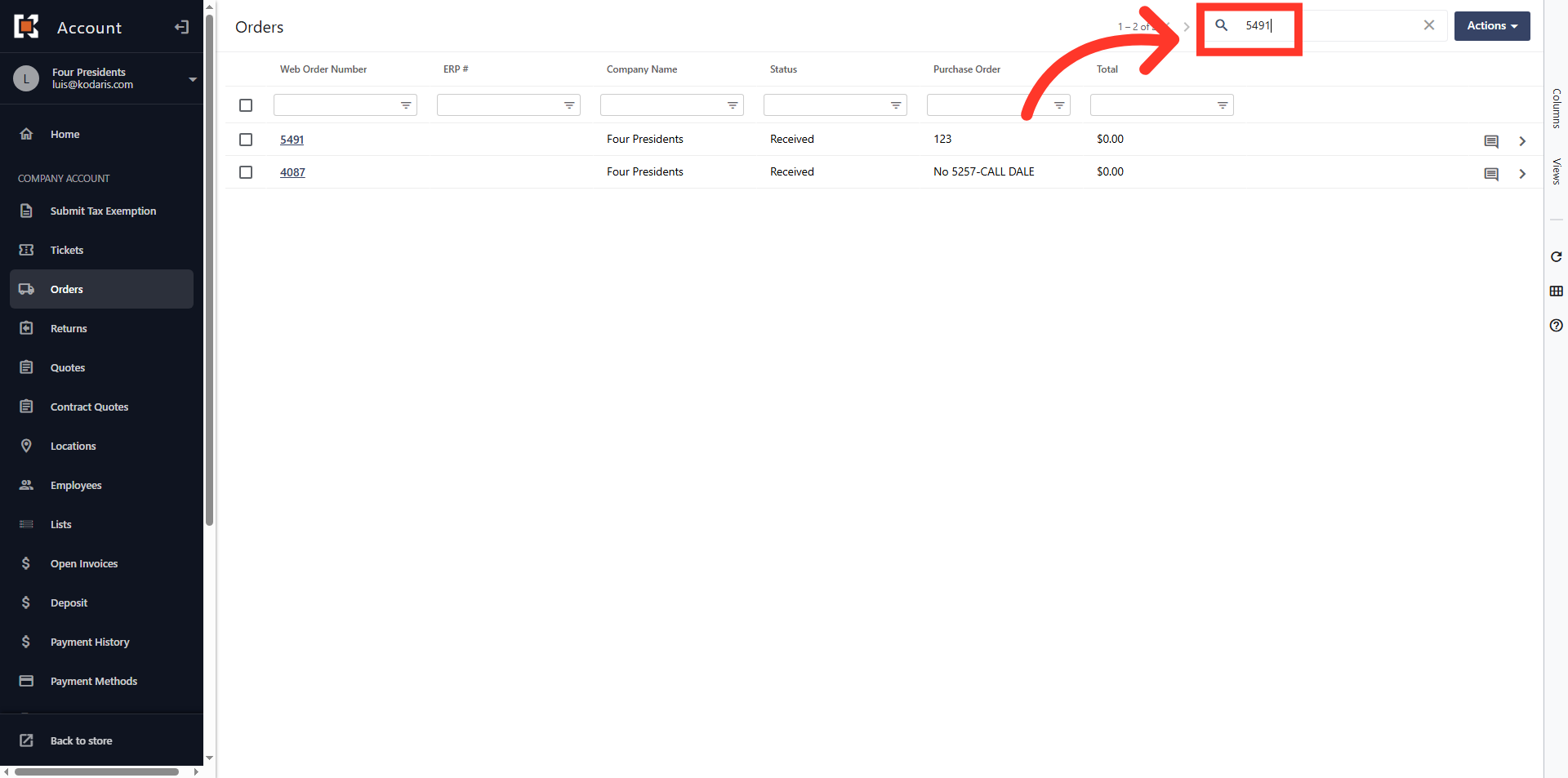
Search for the order
Use the search field to locate the order.
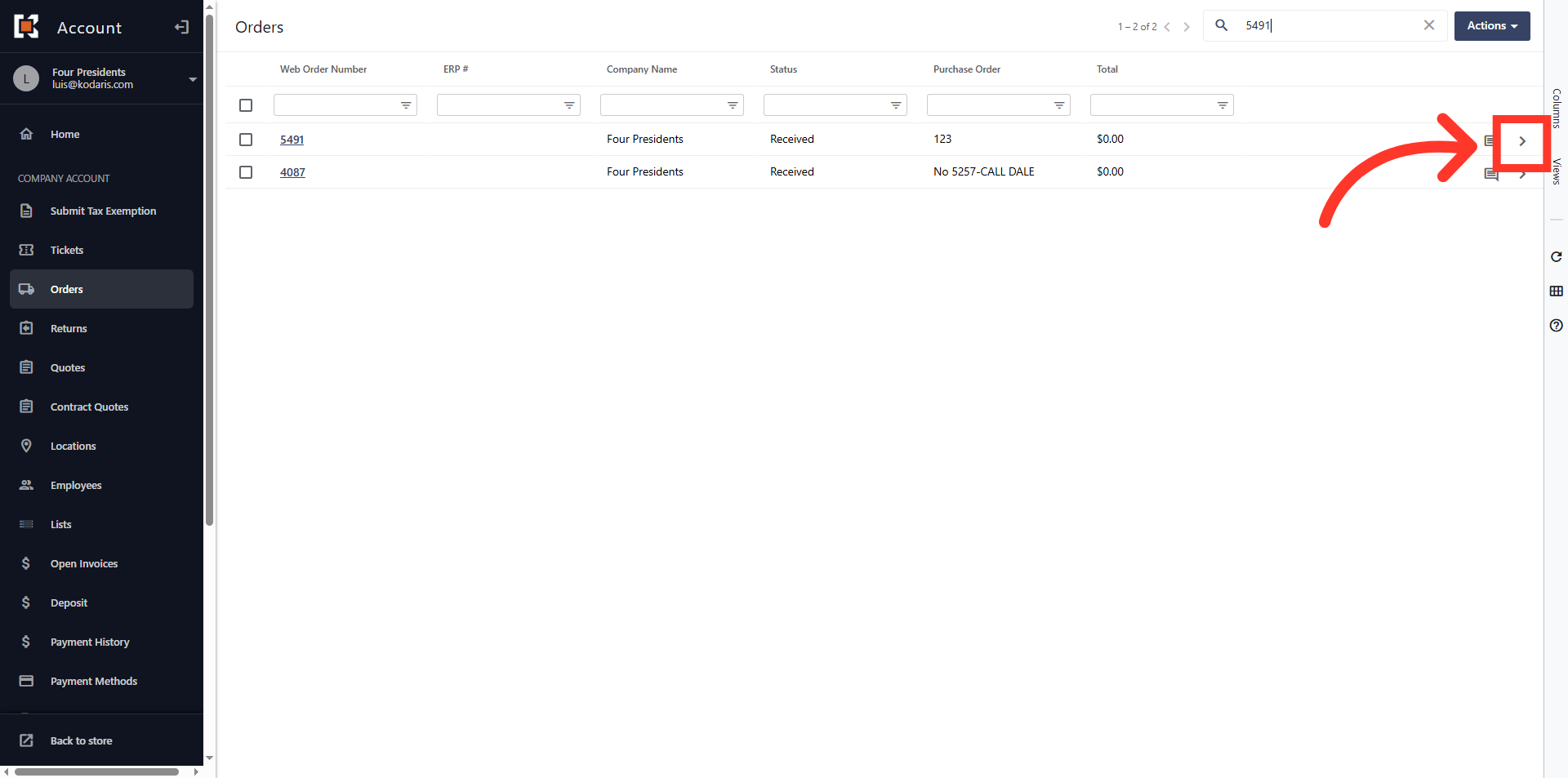
Click on the more details icon
After locating the order, click on the more details icon to navigate to the order details screen.
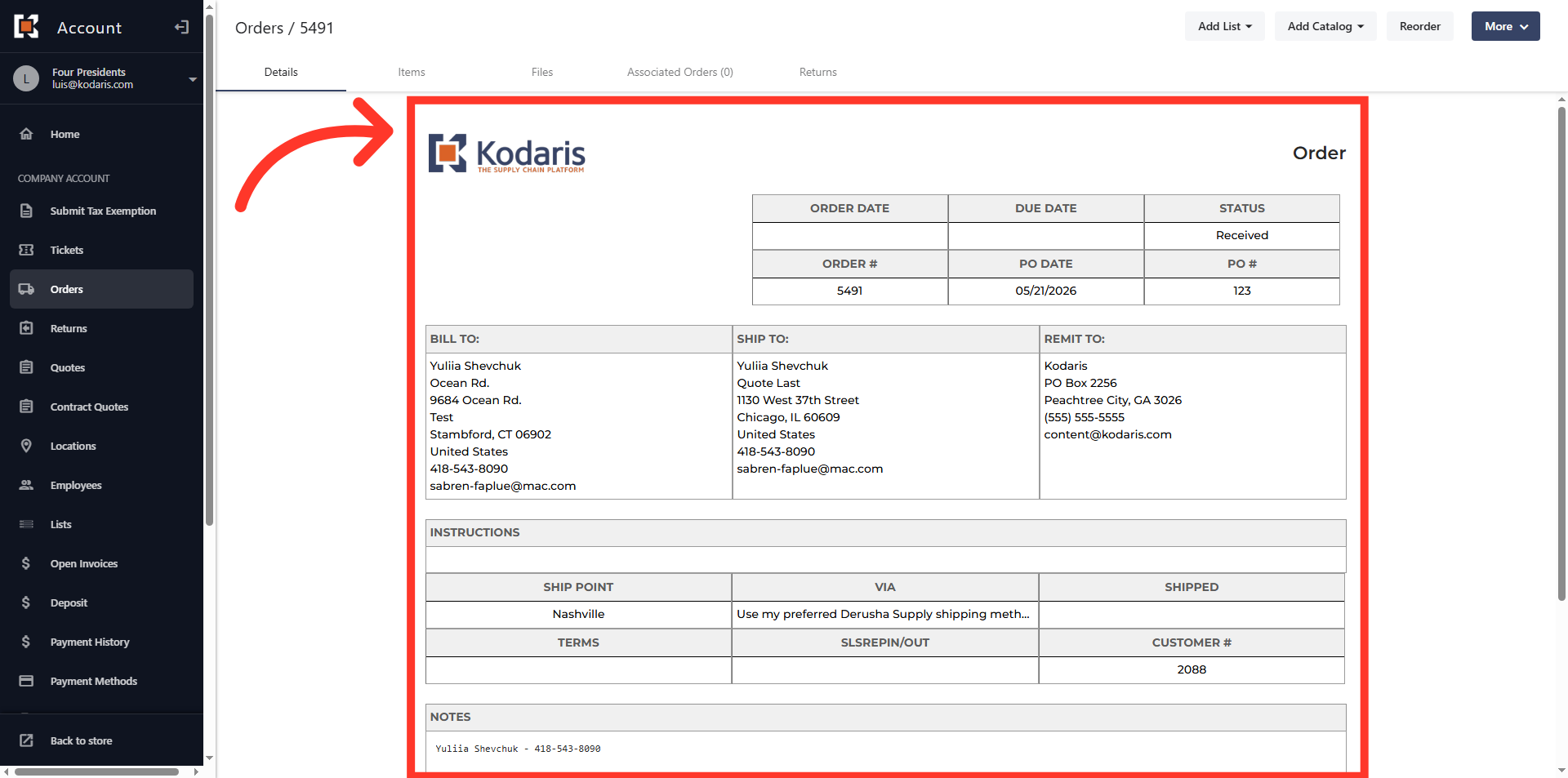
View the Order Template
The "Details" tab displays the order template.
In this article